AI in SaaS is about embedding capabilities like chatbots, predictive analytics, and workflow automation into subscription software so the product does the work your users used to do manually. For a B2B product, that usually means faster support, sharper sales forecasts, and fewer customers slipping away unnoticed.
Choosing the technology is not challenging. Picking the right feature, getting your data ready, and shipping something customers trust is.
This blog covers the benefits, the most useful applications, how to add AI to an existing product, and how to build one from scratch.
Key Takeaways
- AI in SaaS means chatbots, predictions, personalization, and automation built into subscription software.
- For B2B products, the biggest wins are less manual work, faster decisions, and lower churn.
- Most companies already use AI somewhere. Far fewer have scaled it across the business.
- Start with one real customer problem, fix your data, test with a small group, then scale.
- Use ready-made AI APIs for common features and build custom AI where your own data gives you an edge.
What Is AI in SaaS?
AI in SaaS is the use of artificial intelligence inside software-as-a-service products to automate tasks, predict outcomes, and personalize what each user sees. It usually shows up in one of three ways:
- As a helper for the build team: tools that speed up coding and testing.
- As a feature inside the product: a chatbot, a smart report, or a recommendation engine.
- As the core of the product: where removing the AI would leave nothing useful behind.
- Most companies start with the second option. It’s lower risk, and customers see the value quickly.
What Are the Benefits of AI in SaaS for B2B Companies?
Here’s what AI changes for your users day to day:
- Fewer repetitive tasks. Creating reports, matching invoices and sorting support tickets happen on their own.
- Better decisions. AI notices patterns people miss, like early cash flow problems or the leads most likely to buy.
- A personal experience for every user. Each person sees dashboards and alerts that fit how they work.
- Fewer customers leaving. When the product can tell an account is losing interest, your team can reach out before renewal.
Keep in mind that AI isn’t free to run. You’ll pay for the AI service, servers and monitoring, and costs grow with usage. Plan for them early.
What Are the Most Common Applications of AI in SaaS?
The best use cases fix a problem your customers already complain about:
- Sales and CRM: ranking leads, forecasting deals, and sending follow-ups automatically.
- Finance and FinTech: spotting fraud, judging risk, and checking compliance.
- HR software: screening résumés and planning staffing, with a person making the final call.
- eCommerce platforms: product suggestions and prices that adjust to demand.
- Customer support: chatbots that answer common questions and pass harder ones to a person.
Support is where most teams begin. AI chatbot development has matured to the point where a well-trained bot can answer routine queries around the clock, pull answers from your help docs, and hand off to an agent with the full conversation attached. The catch? A bot trained on messy or outdated content will give wrong answers with total confidence. Clean up your knowledge base first, and set clear rules for what the bot does when it isn’t sure.
How Do You Implement AI in an Existing SaaS Product?
McKinsey’s State of AI research (August 2026) found that almost nine in 10 respondents are regularly using AI in at least one business function, but only 44% say AI is scaling across their enterprise. Plenty of companies have pilots. Far fewer have AI that works every day.
You don’t need to rebuild everything. This is the approach we’ve seen work best:
- Find where users struggle. Note where people get stuck or keep repeating the same task.
- Pick one problem. Choose the feature that will make the biggest difference.
- Decide whether to build or buy. Ready-made AI tools suit common jobs like support. Build your own only when your data gives you an edge.
- Clean up your data. Messy or incomplete data holds back even the best AI. Check what you have first.
- Test with a small group. Give the feature to a few customers and track usage, accuracy, and support questions.
- Set rules and keep watching. Decide when a person needs to step in. Watch costs, answer quality, and security from day one.
Most stalled AI projects we come across didn’t fail because of the model. They failed because nobody agreed on what success looked like before work began.
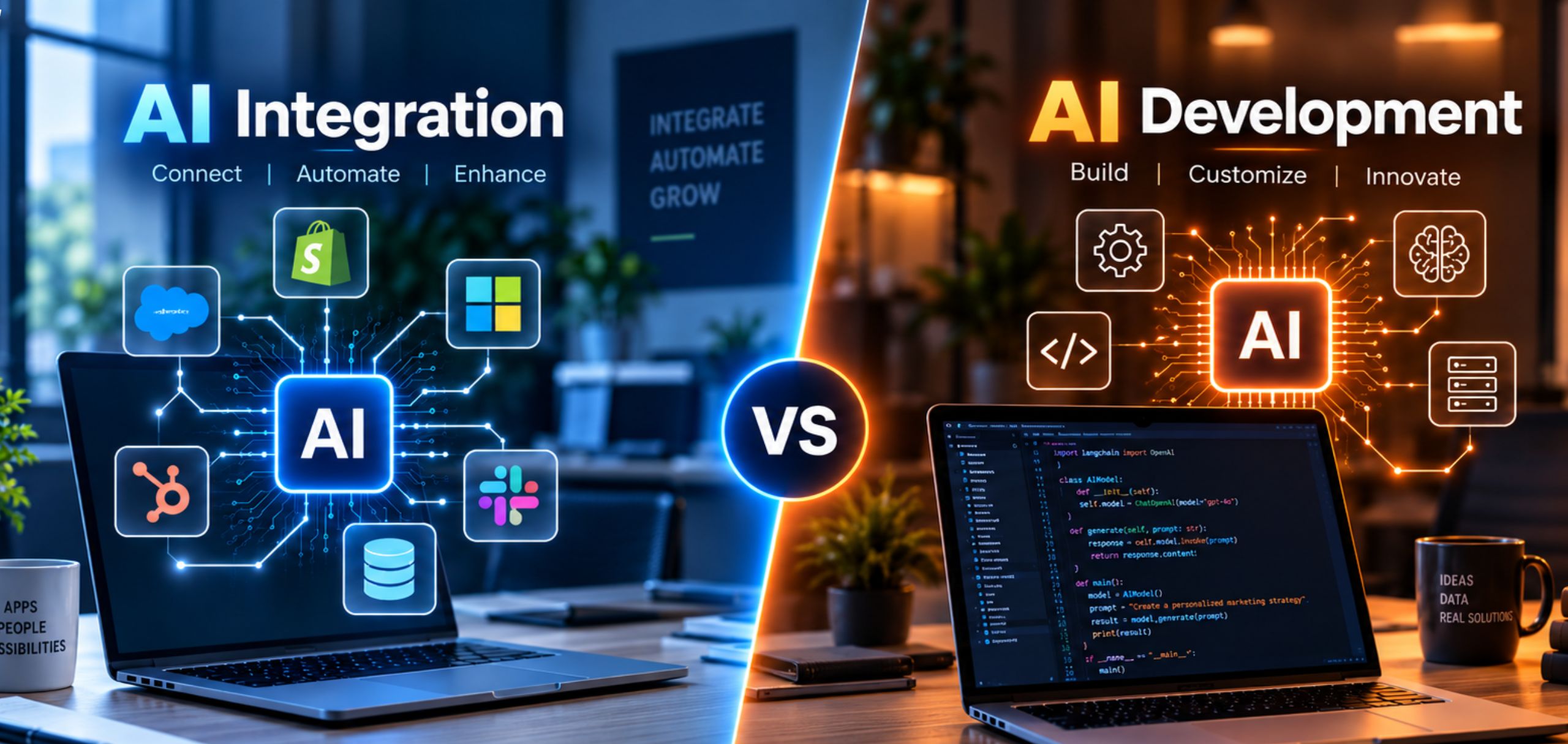
Should You Build AI Features In-House or Use Ready-Made AI APIs?
It depends on how unique the feature needs to be.
| Factor | Ready-Made AI APIs | Custom AI Development |
| Best for | Chatbots, summaries, search, content help | Features built on your own data, like scoring or forecasting |
| Speed to launch | Usually faster | Takes longer |
| Upfront cost | Lower | Higher |
| Running costs | Usage-based API fees | Infrastructure, model upkeep and maintenance |
| Customization | Limited to what the provider offers | Full control over model behavior |
| Competitive edge | Low, as rivals can use the same API | Stronger, as it’s harder to copy |
Most products end up with a mix. Buy what’s common, build what makes you different.
How Does AI-Powered SaaS Development Work From Scratch?
Good SaaS development starts with the user, not the technology. Talk to potential customers, list their biggest pain points, and test the idea with a small proof of concept before you spend serious money.
Plan a simple MVP.
A few core features and one or two AI features that prove the idea.
Choose the right tools.
Python is the usual choice for AI, along with a modern front end and cloud hosting that can grow with you.
Build in security and compliance.
Keep each customer’s data separate and encrypted, and meet privacy rules like GDPR. B2B buyers will ask.
SaaS software development with AI also means planning for change. Models improve fast, and the one you pick today could feel dated within a year. Build so you can swap models without tearing the whole system apart.
How Do You Choose the Right Partner to Build an AI SaaS Product?
The right partner spends time understanding your product before talking about price. A reliable AI development company will want to know what data you have, who your users are, and what business result you’re after before it suggests a solution.
When you compare partners, check for:
- Work you can actually see. Ask for live products they’ve shipped, not just presentations or mockups.
- A clear plan for your data. They should explain how they’ll handle security, privacy and compliance from the start.
- Honest scoping. A good team will tell you which features need AI and which ones work fine without it.
- Support after launch. AI features need regular monitoring and updates, so ask who looks after them once they go live.
Plenty of US businesses work with a SaaS development company in India to get experienced engineers at a sensible cost. If you go that route, look for proven delivery, regular communication across time zones, and recognized security certifications.
Nethues has been building custom software for 24+ years, with 250+ in-house developers. Whether you’re adding AI to an existing product or starting fresh, we’ll help you scope it properly before any code gets written.
Frequently Asked Questions
How Much Does It Cost to Add AI to a SaaS Product?
Adding AI to a SaaS product typically costs 25,000–150,000 for a focused feature, with simple API integrations starting around 10,000–30,000. Most mid-market SaaS teams spend 75,000–150,000 for a production-ready first release.
How Long Does It Take to Add AI to an Existing SaaS Platform?
A scoped AI feature will usually take 2-3 months (8-12 weeks) to ship, although simple additions via API can ship in 2-6 weeks. More complex integrations such as RAG search or custom workflows will typically take 3–5 months.
What’s the Difference Between AI-Enabled and AI-Native SaaS?
Think add-on versus foundation. AI-enabled SaaS is a product that works without AI, but gets smart features with AI. AI-native SaaS is built on AI from the ground up and is therefore not functional without it.
Does AI Apply to All SaaS Products or Just Some?
Almost any SaaS product can use AI if it has data and clear workflows. It helps most where users search, sort, summarize, or make decisions all day, like CRMs, help desks, and analytics tools.
How does data privacy work for AI features in SaaS products?
Best practice is to avoid passing sensitive data to shared models, utilise dedicated tenants or on-prem solutions where available and contractually pledge to not train shared models on customer data.