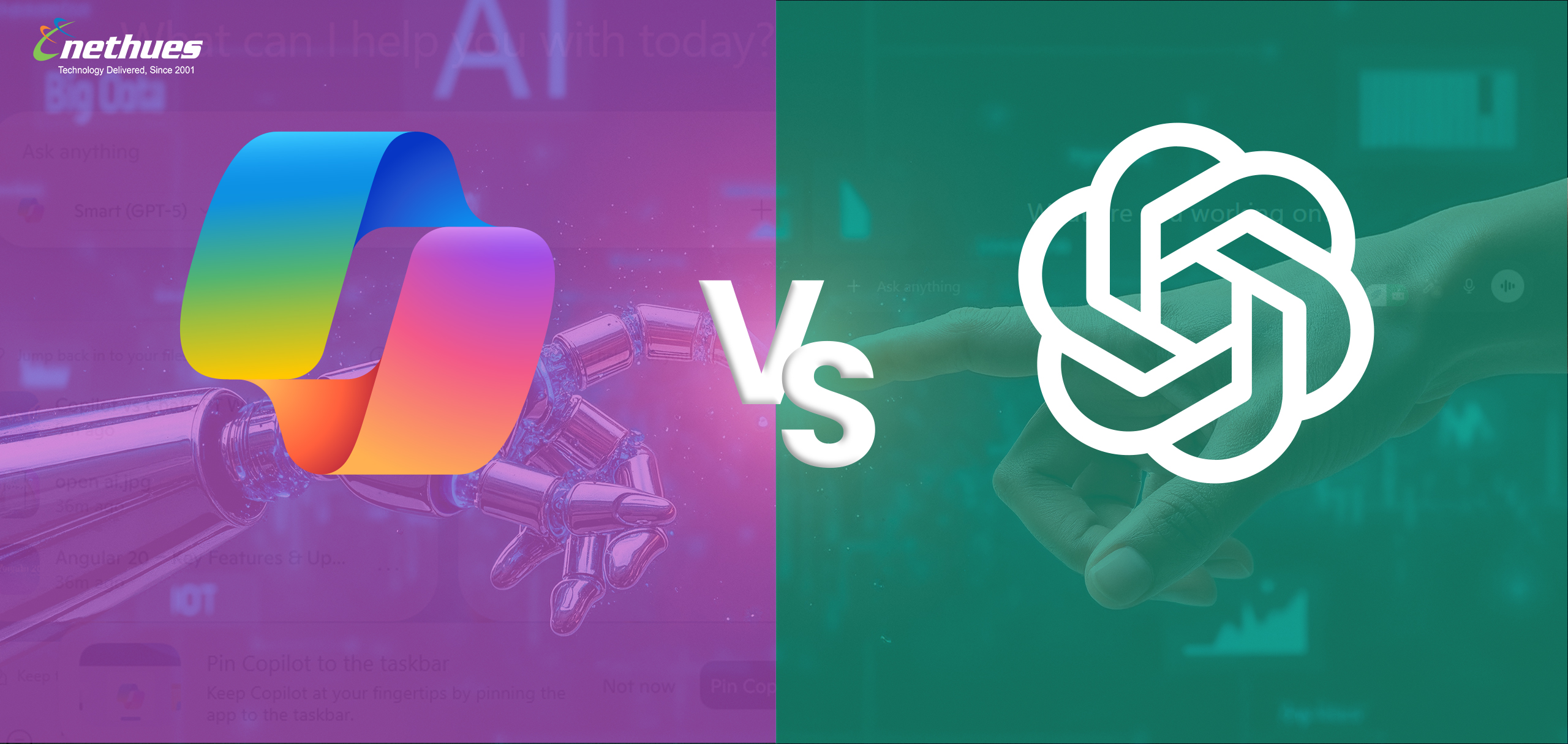
Choosing between Copilot and ChatGPT can be challenging. Both AI chatbots offer loads of functionalities that help to streamline daily tasks and boost productivity. When hunting for the best bot, people often ask, What is the difference between Copilot and ChatGPT?
Well, the short answer is “ChatGPT works as an independent AI chatbot on its own. In contrast, Microsoft Copilot is built directly into Microsoft products and acts more like an AI assistant across their apps.”
Remarkably, both the AI bots leverage OpenAI models. In this blog, we will deeply investigate the Copilot vs. ChatGPT comparison. We will also explore the similarities between them.
Microsoft Copilot vs. ChatGPT: Comparison table
| Category | Microsoft Copilot | ChatGPT |
| Key Features | It is an ideal chatbot for driving productivity tasks. Copilot comes with deep integration across Microsoft 365 apps. If you rely on Word, Excel, Teams, or Outlook, Copilot can be a compelling choice. | It uses advanced language models for a wide range of tasks. Overall, it is a highly versatile chatbot that can help you with writing, coding, research, automation, and creative work. |
| Integration | It is accessible through Microsoft 365. You can integrate Copilot into web and mobile apps. | You can also integrate it into web, desktop, and mobile apps. |
| Reliability | Copilot offers consistent performance for task-specific work. | It is reliable for a wide variety of use cases. You can use it to handle complex reasoning, coding, and content generation. |
| Pricing Plans |
|
|
Before we dive deep into the ChatGPT vs. Copilot comparison, let us explore the similarities between them.
Does Copilot use ChatGPT?
Well, the answer is Yes. Microsoft Copilot uses the same underlying OpenAI models as ChatGPT. It includes GPT-4o and the o1 series, alongside some Microsoft-built components.
Is Copilot the same as ChatGPT?
The quick answer is no. There are many striking similarities between them, but both are unique AI chatbots in many ways. Both tools can handle a wide range of tasks, like:
- Writing a wide variety of content
- Generating coding
- Generating images
- Upload files to analyze documents
Here are many similarities between Copilot and ChatGPT
- They are fully multimodal. So, they can handle various tasks.
- Both also run on OpenAI’s latest AI models. Microsoft states that Copilot blends in some of its own models.
- Microsoft is a major OpenAI partner, and the feature sets are nearly identical. It’s clear that OpenAI’s technology powers much of Copilot’s performance.
- You can use either tool on almost any device. Both are available on the web and through mobile apps.
- Both ChatGPT and Copilot can search the live web to bring in up-to-date information.
- Both offer free versions, but their strongest features are locked behind paid plans
Here are 5 advanced features you get with ChatGPT
1. Smarter web and real-time search
ChatGPT delivers stronger search abilities with more accurate results for news, sports updates, locations, and live data. The credit goes to the tighter integration with online information sources.
2. Powerful file handling and analysis
You can upload documents, spreadsheets, images, PDFs, or pull files from cloud storage. ChatGPT can summarize, extract insights, or generate reports. You can also command the AI bot to help you work through the content.
3. Customization and integrations
ChatGPT lets you build custom AI agents and connect them with apps and workflows. This gives you more personalised automation options than Copilot. You can hire software developers to build and launch advanced AI agents for your business.
4. Advanced desktop app
The ChatGPT desktop app can interact with whatever is on your screen. This makes it easier to draft, edit, or analyze content across different applications.
5. Live video in the mobile app
ChatGPT’s Advanced Voice Mode supports live video. It allows real-time visual interaction. This is not available on the current Copilot’s voice-only mode.
ChatGPT vs. Copilot – Which one is better for coding?
GitHub Copilot is embedded inside coding environments like VS Code. It provides instant code completions, suggestions, and boilerplate generation. It’s excellent for speeding up everyday programming tasks and writing code as you type.
ChatGPT, especially with models like GPT-4o, excels at deeper reasoning. You can leverage it for debugging complex issues, explaining code behavior, designing system architectures, and generating larger code blocks from natural language instructions.
AI developers often use ChatGPT to understand problems, explore alternatives, or validate logic. It is a trusted tool to accelerate software development workflows. They also paste code from Visual Studio Code into ChatGPT for debugging, refactoring, or optimization.
Copilot vs. ChatGPT – Which is better for business use?
Microsoft Copilot is the stronger choice for organizations built around Microsoft 365. It works directly inside Outlook, Excel, Word, Teams, and other Microsoft tools. So, it helps to streamline daily workflows by automating routine tasks and enhancing team collaboration.
ChatGPT, on the other hand, is platform-agnostic. It works across different tools, browsers, and devices, making it ideal for companies using mixed software environments. Businesses also benefit from custom GPTs, API integrations, and the ability to build private AI agents tailored to internal processes.
Can I use ChatGPT and Microsoft Copilot together?
Yes. Many people get the best results by using both tools side by side. Using both lets you tap into each tool’s strengths for different parts of your work.
Conclusion
Both ChatGPT and Microsoft Copilot are powerful AI tools, and the better choice depends on your precise needs. Copilot excels inside the Microsoft ecosystem, while ChatGPT offers more flexible customization and broader use cases across platforms. Many teams use them together to maximize productivity.
At Nethues Technologies, an experienced AI development company, we help businesses harness artificial intelligence in practical ways. We integrate advanced AI models, automate workflows, and build smart solutions tailored to your needs.